 Ant Messenger
Ant Messenger
Ant Messenger
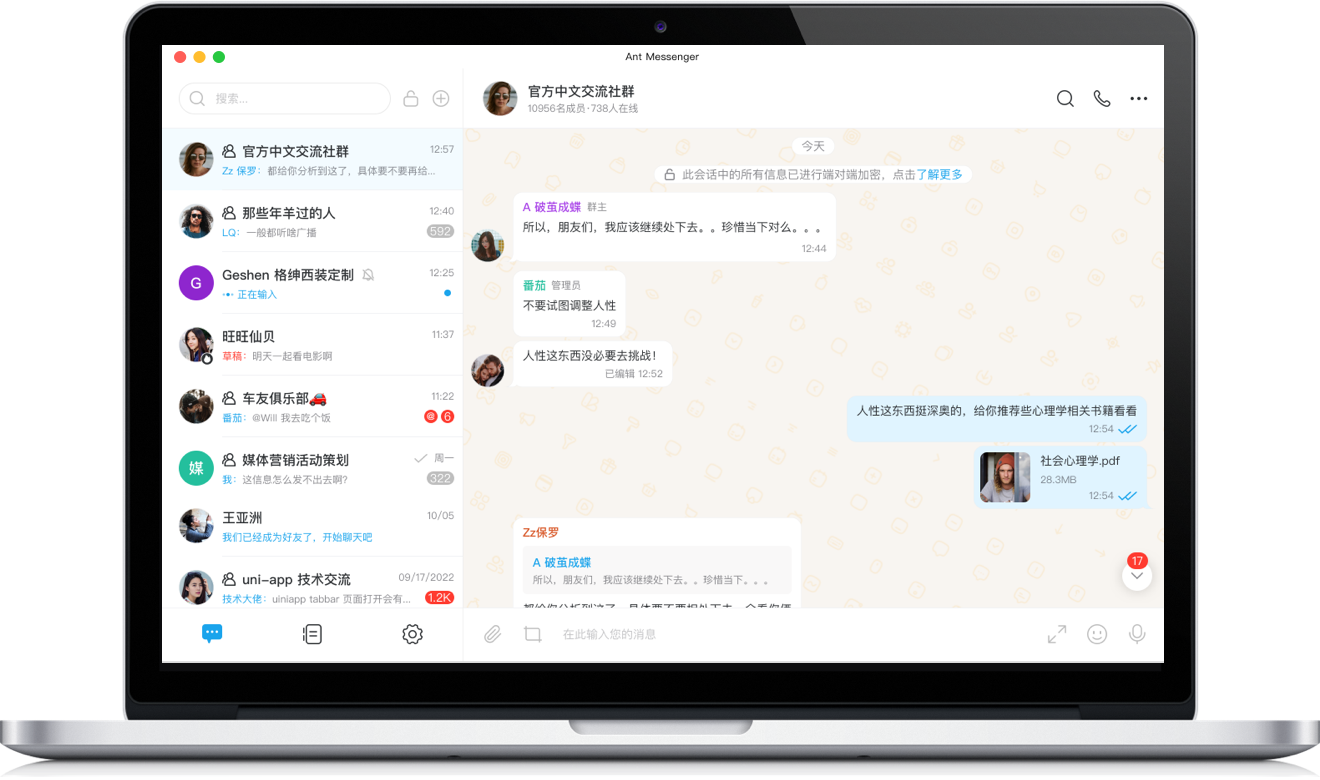
Ant Messenger 是一款开源、免费、高性能的加密即时通讯工具,专为注重隐私与数据安全的用户打造。
Ant Messenger is an open-source, free, high-performance encrypted instant messaging tool built for privacy-focused users.
我们采用金融级端到端加密技术,支持阅后即焚、消息防截屏、双向无痕删除,同时提供私有化部署与云托管方案,让你的聊天信息、文件数据完全自主掌控。
We use financial-grade end-to-end encryption, self-destruct messages, anti-screenshot protection, and private deployment to keep your data 100% under your control.
立即下载 Download Now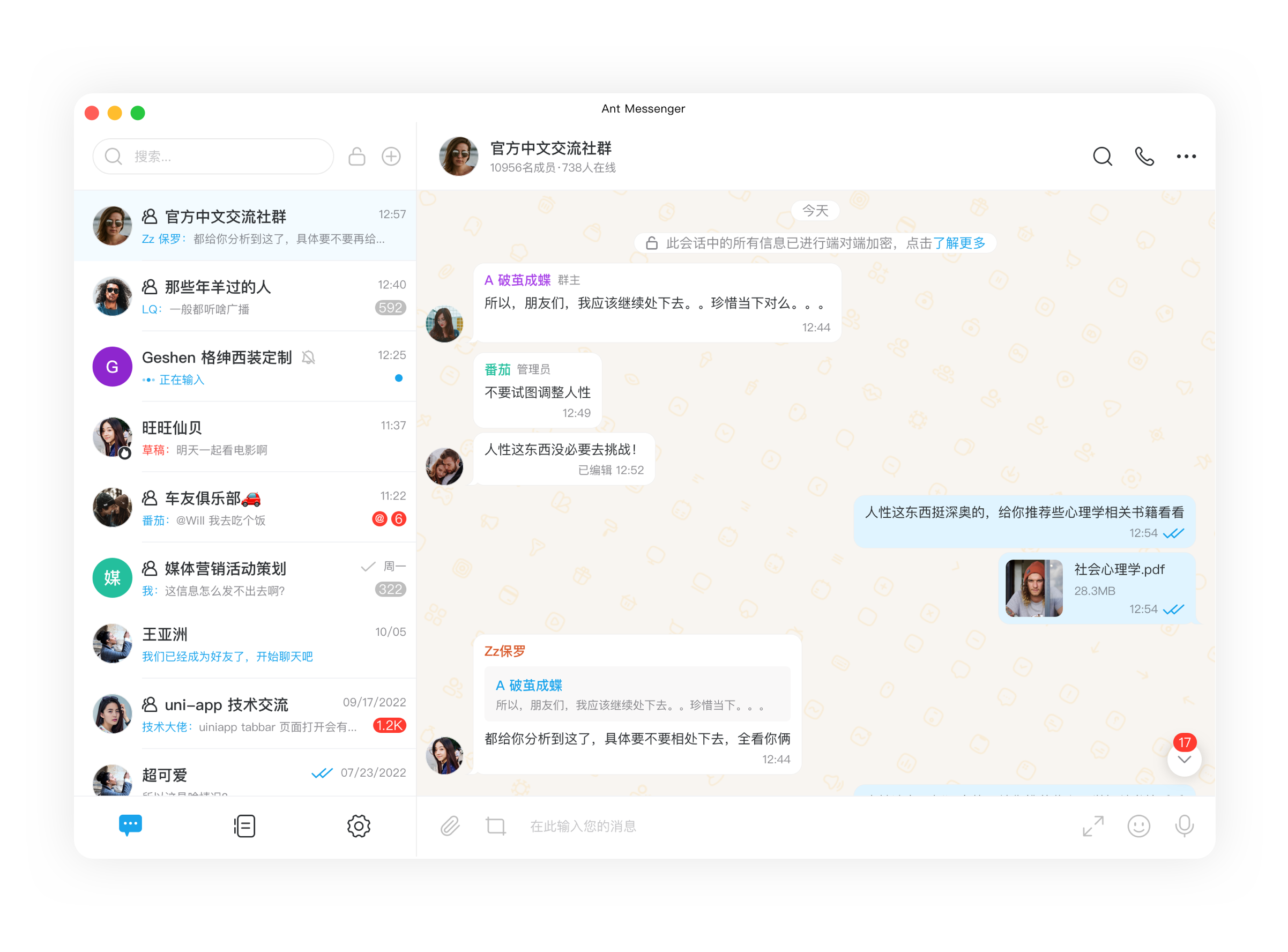
自建服务器或云端托管随心切换,个人与企业都能将数据牢牢握在自己手中。
Switch between self-hosted servers and cloud hosting, keeping your data firmly in your own hands.
消息默认端到端加密,配合阅后即焚与双向删除,让信息泄露无从发生。
Messages are end-to-end encrypted by default; self-destruct and mutual deletion keep leaks at bay.
手机、电脑、平板可同时在线,聊天记录与文件跨设备实时流转、无缝衔接。
Stay signed in on phone, PC, and tablet at once; chats and files flow across devices seamlessly.
最高支持万人同群沟通,加密传输依旧稳定流畅,适合团队协作与社群运营。
Chat with up to 10,000 members in one group with stable encrypted messaging, ideal for teams and communities.
文字、语音、视频、文件、位置、通话一应俱全,覆盖日常工作生活的全部沟通场景。
Text, voice, video, files, location, and calls — everything you need for daily communication in one app.
支持隐藏手机号、应用锁与防截屏,多重措施为个人隐私竖起道道屏障。
Hide your phone number, lock the app, and block screenshots — layered protection for your privacy.
文件加密后存入云端,存储不设上限、时长不限,随时取用、安全无忧。
Files are encrypted and stored in the cloud with no space or time limits — safe to access anytime, anywhere.
源码完全开放可审查,无广告、无付费、无数据收集,长期免费使用。
Fully open-source and auditable, with no ads, no fees, and no data collection — free forever.